We would love to hear from you, to discuss how our business can help yours. We would be delighted to visit your premises to provide a free no obligation quote, whether you are yet to employ a cleaning company, or if you are unhappy with your current one. You can either call us on 0333 050 1139 or fill in this form - We will call you back as soon as possible.
How to clean an office phone ( Office phones are full of germs )
Table of Contents
The office phone
Do you know how to clean an office phone correctly?
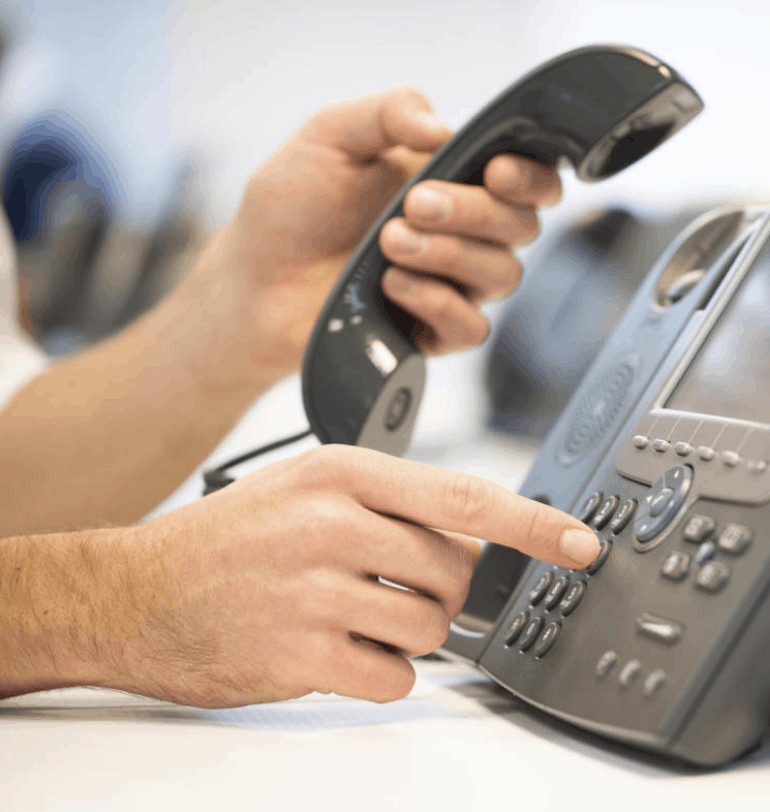
Even though more businesses are moving towards softphones and computer‑based calling, the traditional office phone is still found on most desks.
Whether you’re taking calls from clients or making outbound calls to grow your business, the office phone remains a crucial piece of equipment.
It’s powerful enough to connect teams across the country — yet for many younger workers, it’s still the most intimidating item on the desk. Even with the rise of Zoom, Teams and other video‑calling tools, the office phone isn’t going anywhere.
Video calling applications are increasing in popularity
Viruses and office phones
Viruses such as COVID‑19 spread mainly through airborne droplets from coughing, sneezing or even talking loudly. Because office phones sit close to the face and mouth, they naturally carry a high risk of harbouring germs.
On top of that, phones are touched constantly throughout the day — often by multiple people — making them one of the germiest items in any workplace.
As a responsible employer, it’s essential to take steps to keep the workplace clean and reduce the spread of bacteria and viruses. Teaching staff how to clean their workspace properly, including their office phones, can help reduce sickness levels and improve overall hygiene.
Know how to clean an office phone correctly
How to clean an office phone - step by step guide
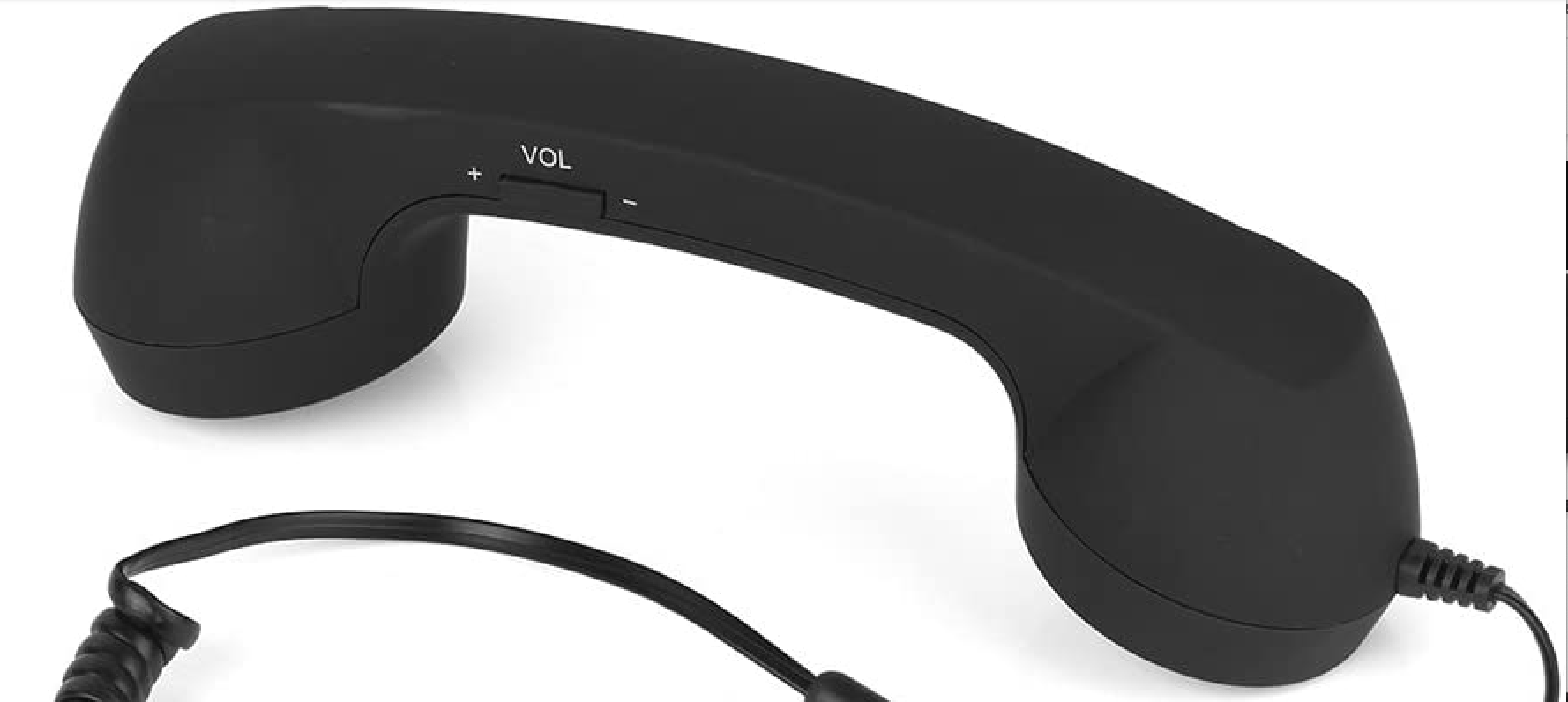
1. How to clean the phone handset
The handset is the part of the phone that comes into closest contact with the face, so it needs regular cleaning.
Use a disinfectant spray and a disposable cloth, or a disinfectant alcohol wipe.
Clean the handset daily — or more often if multiple people use the same phone.
Make sure the disinfectant is effective against both bacteria and viruses.
Once cleaned, wipe the handset with a dry cloth or paper towel. This removes any residue and prevents sticky build‑up or potential skin irritation.
2. Clean around the speaker and earpiece
Dirt and grime often build up in the small grooves around the speaker and receiver.
To clean these areas:
Use a cotton swab or a toothbrush reserved specifically for cleaning
Dip it in rubbing alcohol or a disinfectant solution
Gently clean around the grooves and openings
Dry thoroughly with a paper towel
This step helps remove hidden dirt that standard wiping won’t reach.
3. How to clean the office phone base
The base of the phone is often overlooked, but it collects dust, fingerprints and bacteria throughout the day.
Dampen a microfibre cloth or paper towel with disinfectant
Wipe the entire surface, including the cradle where the handset rests
Don’t forget the underside — it’s a common dust trap
A quick daily wipe keeps the phone looking clean and reduces germ build‑up.
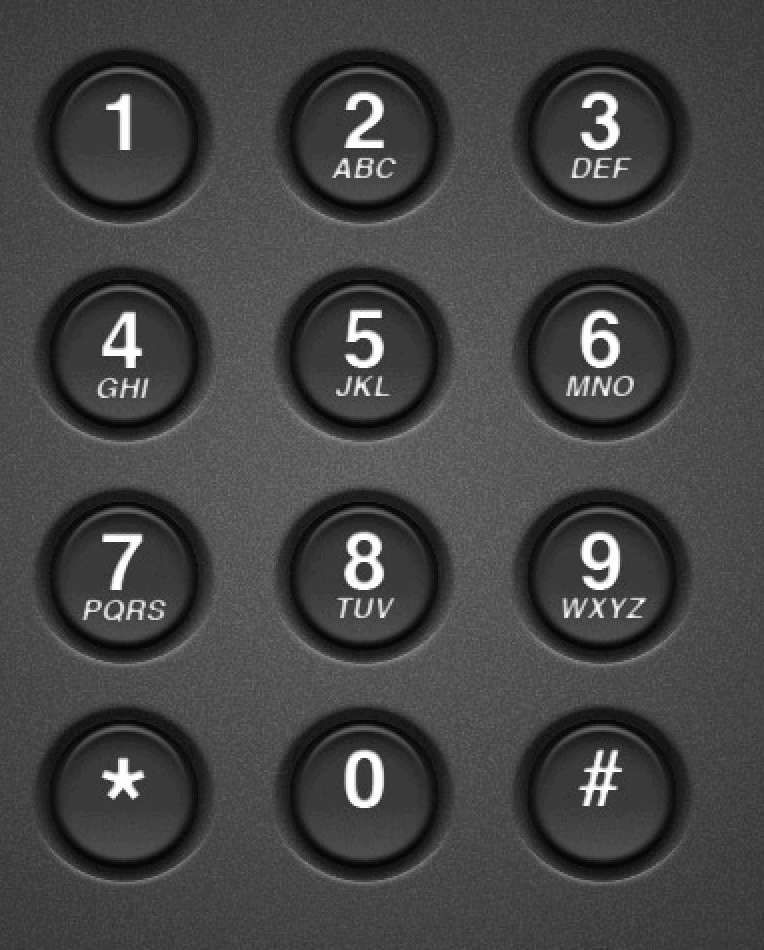
4. How to clean the office phone keypad
The keypad is one of the most touched parts of the phone — and one of the easiest places for germs to hide.
Use a disinfectant‑dampened cloth to wipe the surface
For the gaps between keys, use a cotton bud or a toothbrush
Take your time — these small areas are where bacteria thrive
A clean keypad not only looks better but also reduces the risk of spreading germs between users.
How to clean an office phone keypad
Why office phones get so dirty
Office phones are handled constantly, often without people realising how much they touch them. Between calls, eating at desks, coughing, sneezing and general daily use, phones quickly become a hotspot for germs.
Unlike keyboards or screens, phones sit right next to the mouth and nose — so they naturally collect more bacteria. Regular cleaning is one of the simplest ways to improve hygiene in shared workspaces.
How often should you clean an office phone?
How often you clean the phone depends on how many people use it:
Single‑user phones: once a day
Shared phones: after each user, or several times a day
Reception or high‑traffic areas: clean throughout the day
A quick wipe takes seconds but makes a big difference.
Don’t forget: an office phone on a dirty desk is not acceptable
Cleaning the phone is important — but it won’t stay clean for long if the desk around it is dusty or cluttered. A clean workspace supports a clean phone.
In summary
We hope this article has given you a better understanding of how to clean an office phone properly. With regular cleaning and the right products, you can significantly reduce germs and improve workplace hygiene.
The easiest way to ensure your office phones — and the rest of your workplace — are cleaned thoroughly is to hire a reliable commercial cleaning company.